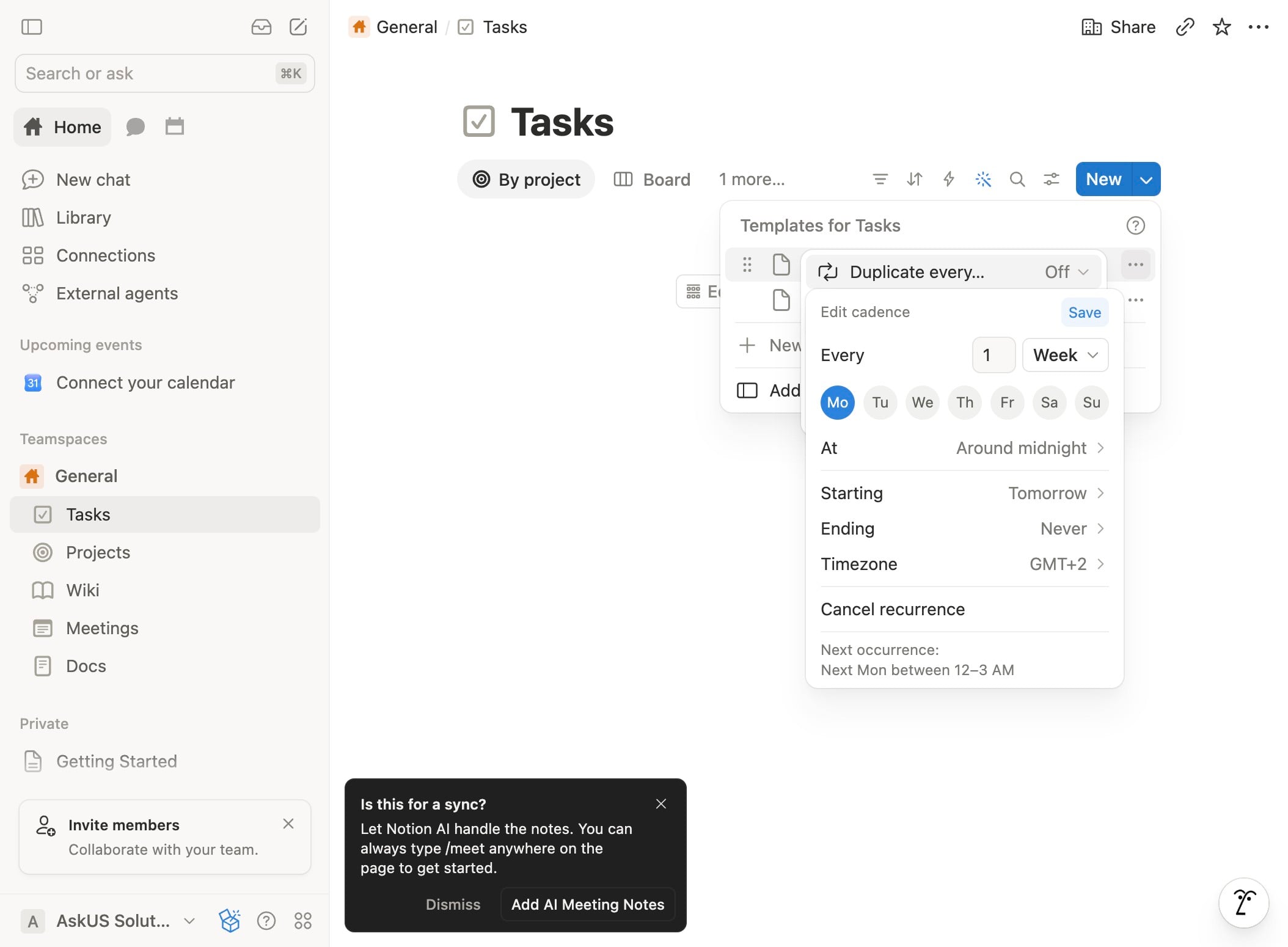
Create a weekly recurring task template
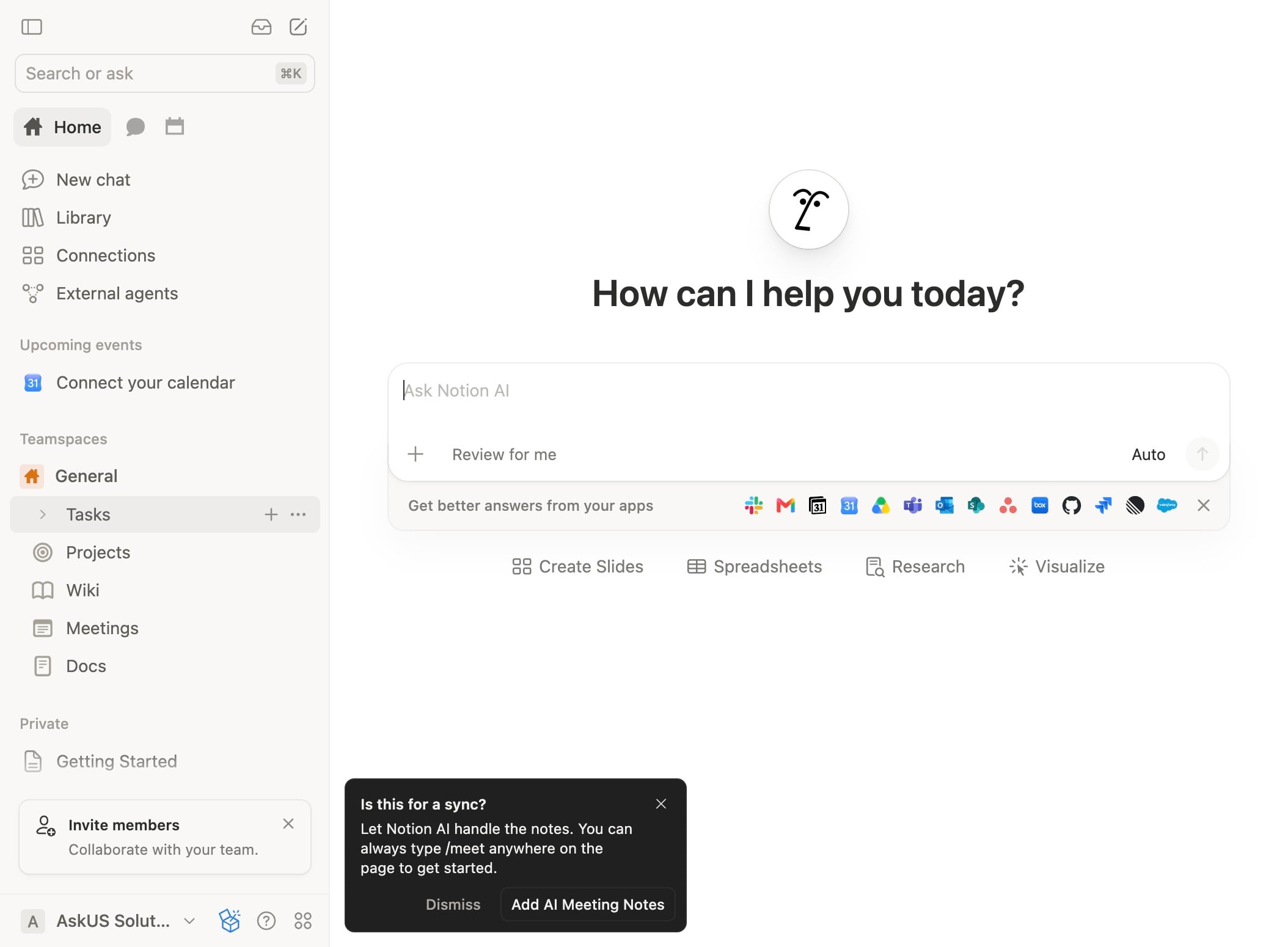
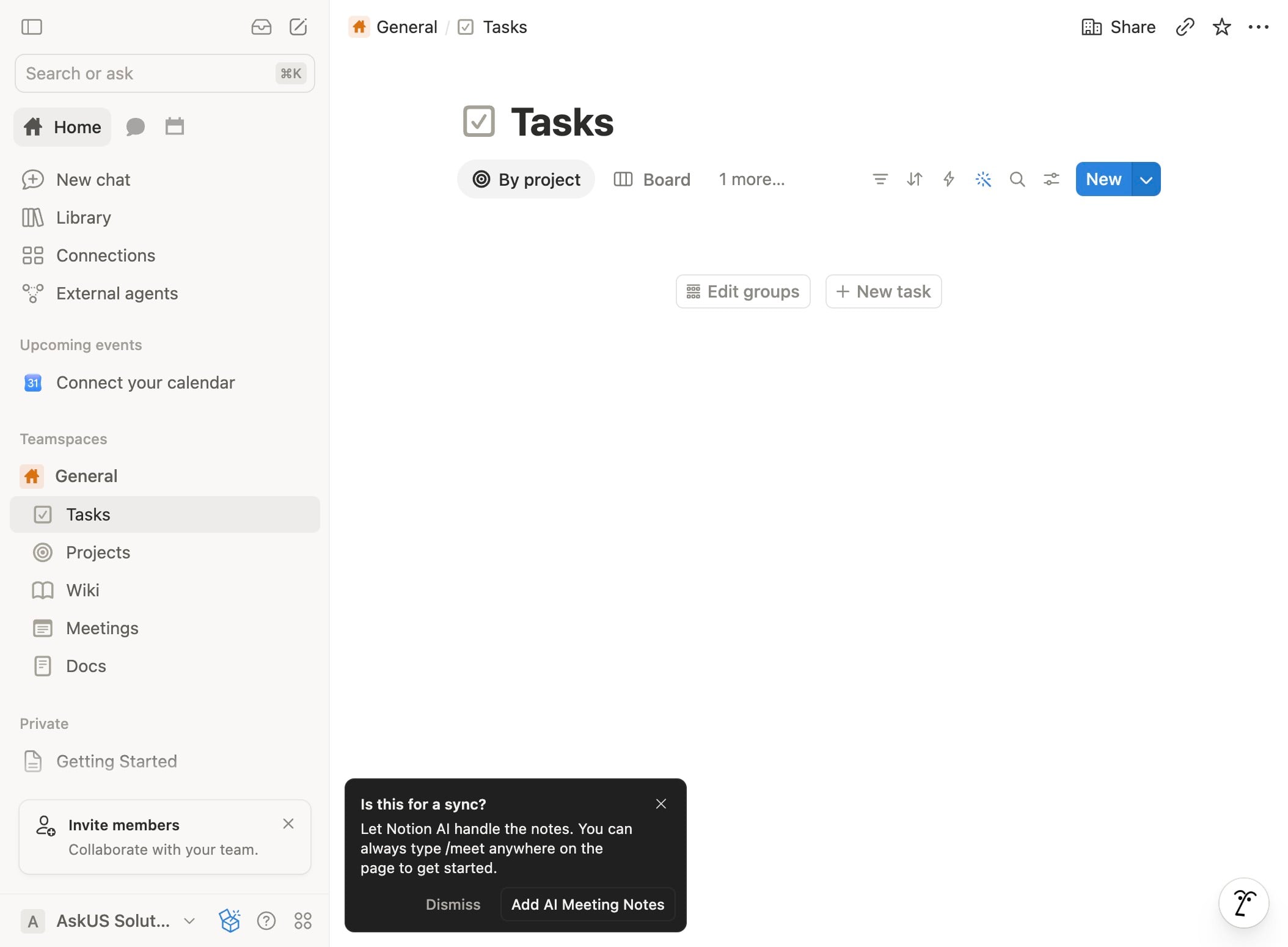
Step 1: Open "Tasks" under "General" in the left sidebar.
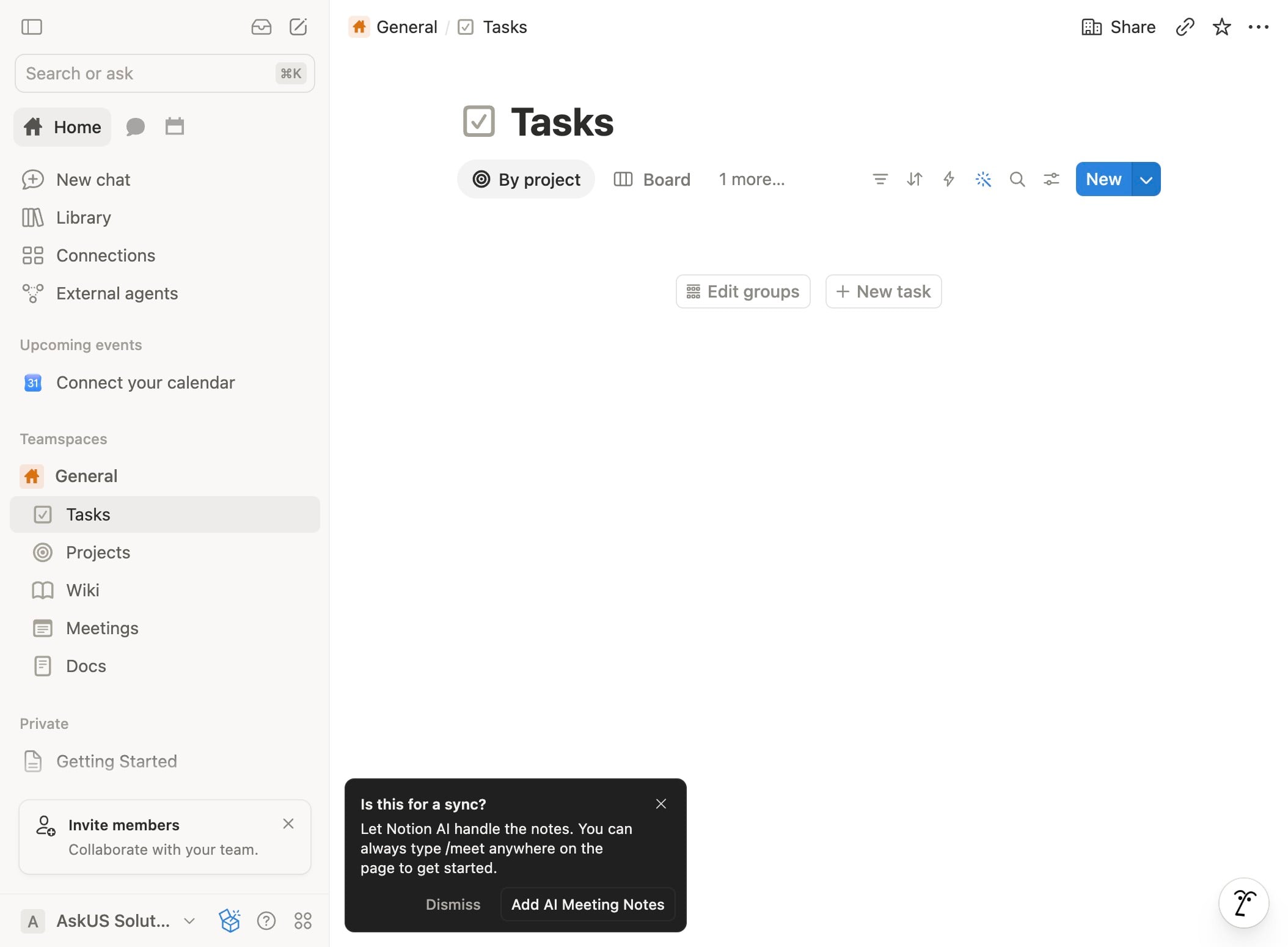
Step 2: Click the arrow next to "New" to show the template options.
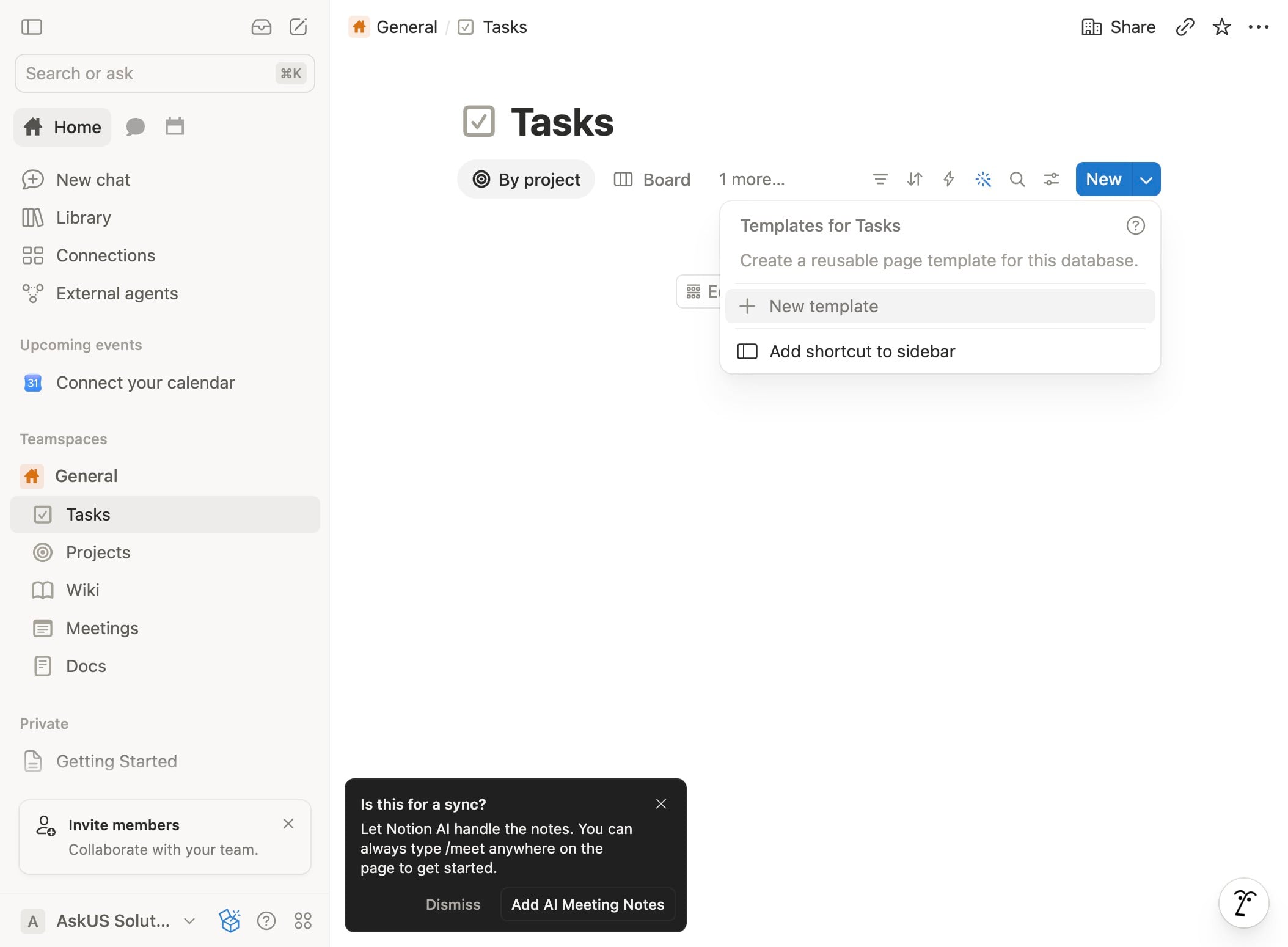
Step 3: Click "New template".
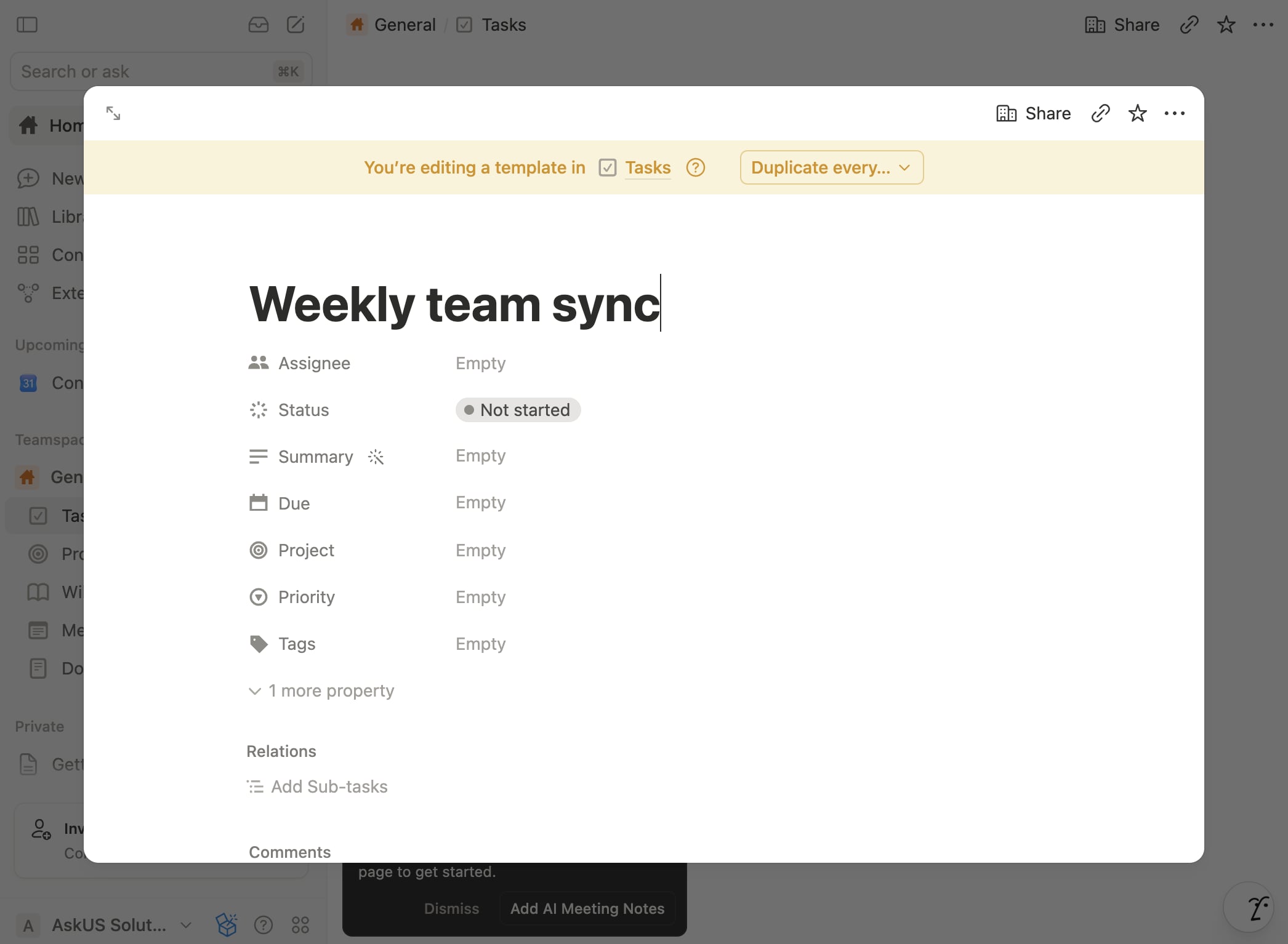
Step 4: Type a name for the template, then click the arrows icon in the top-left corner to close it.
Step 5: Click the arrow next to "New" again to reopen the template list.
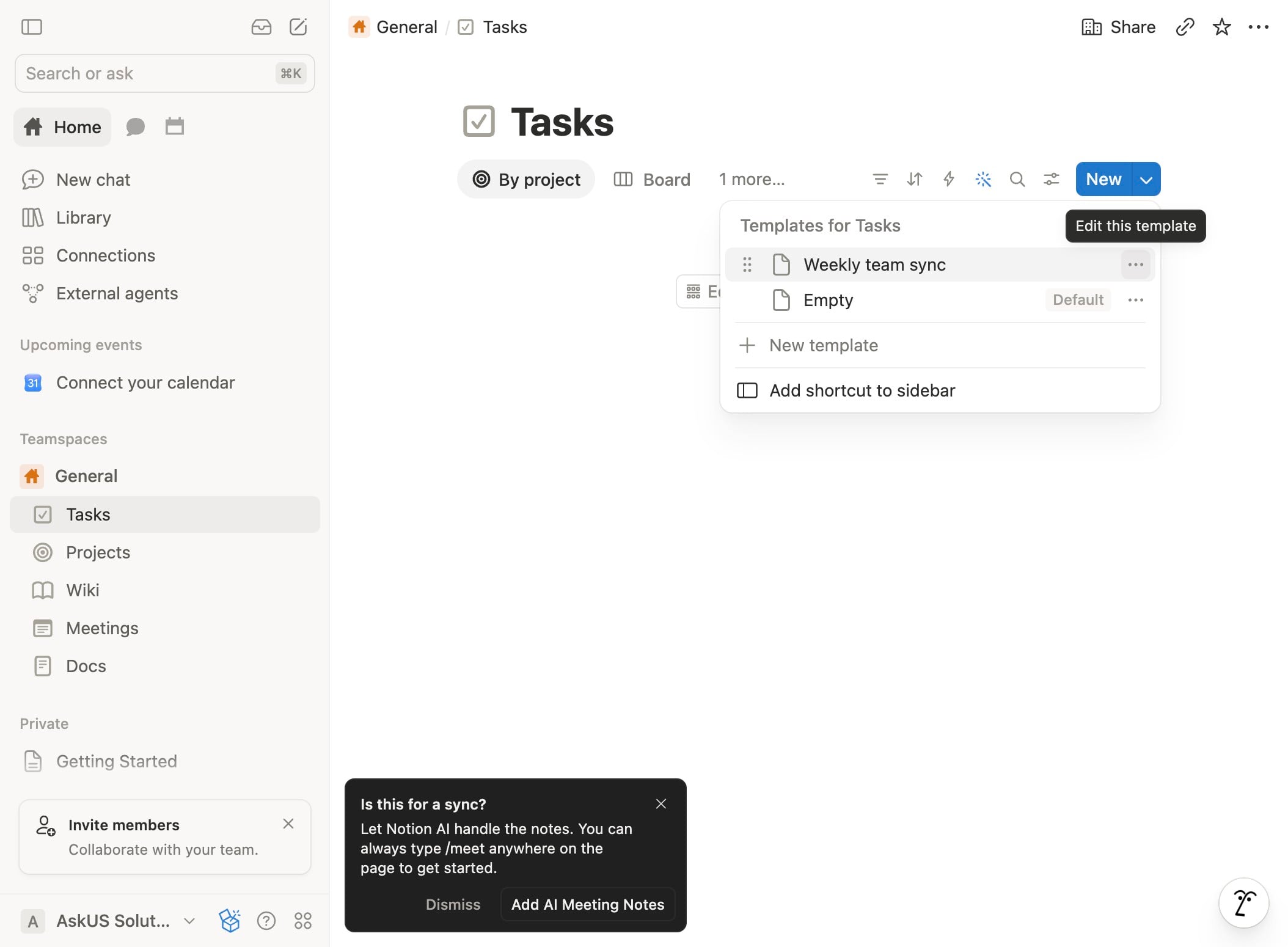
Step 6: Click the three-dot icon next to your new template.
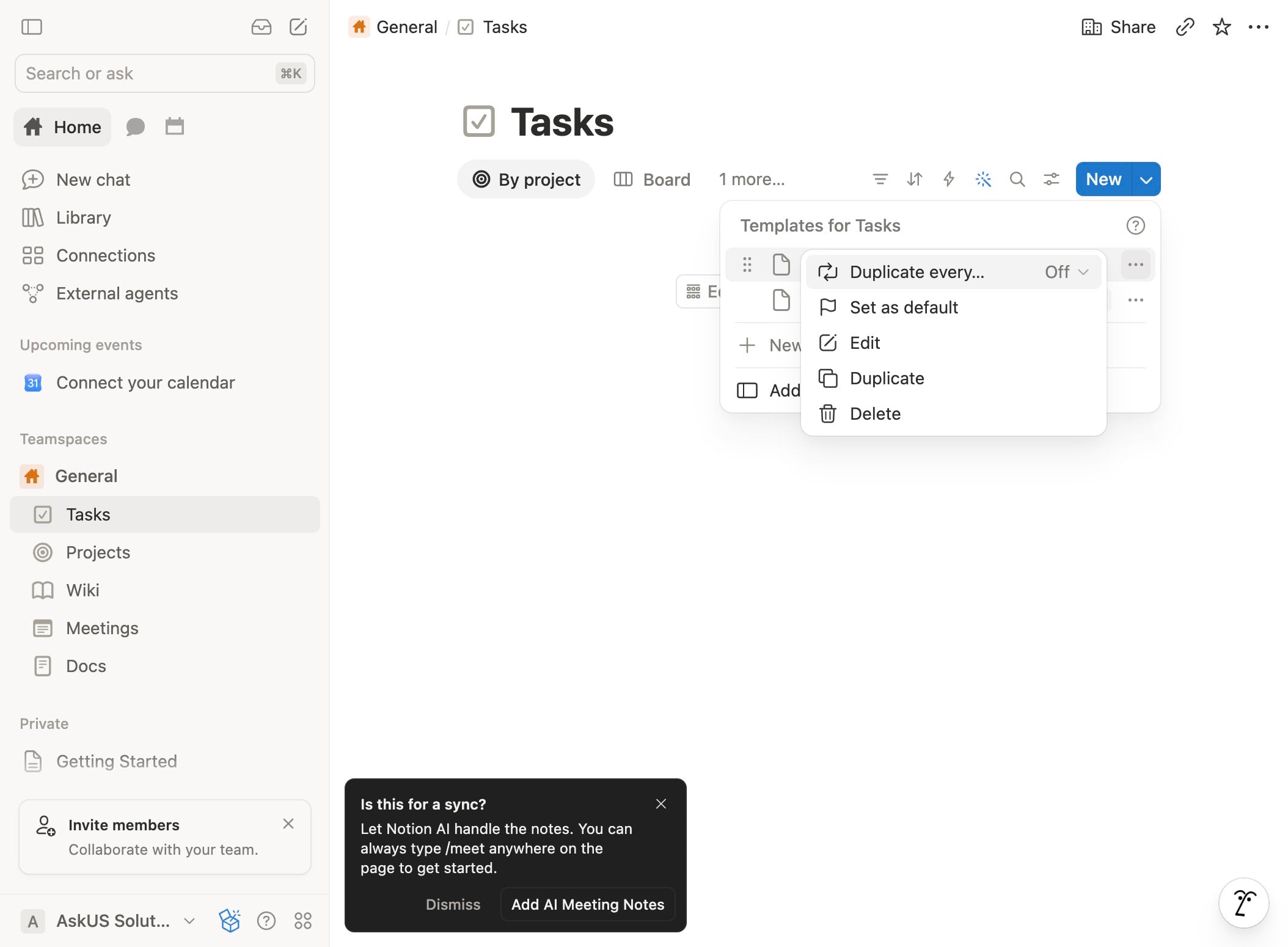
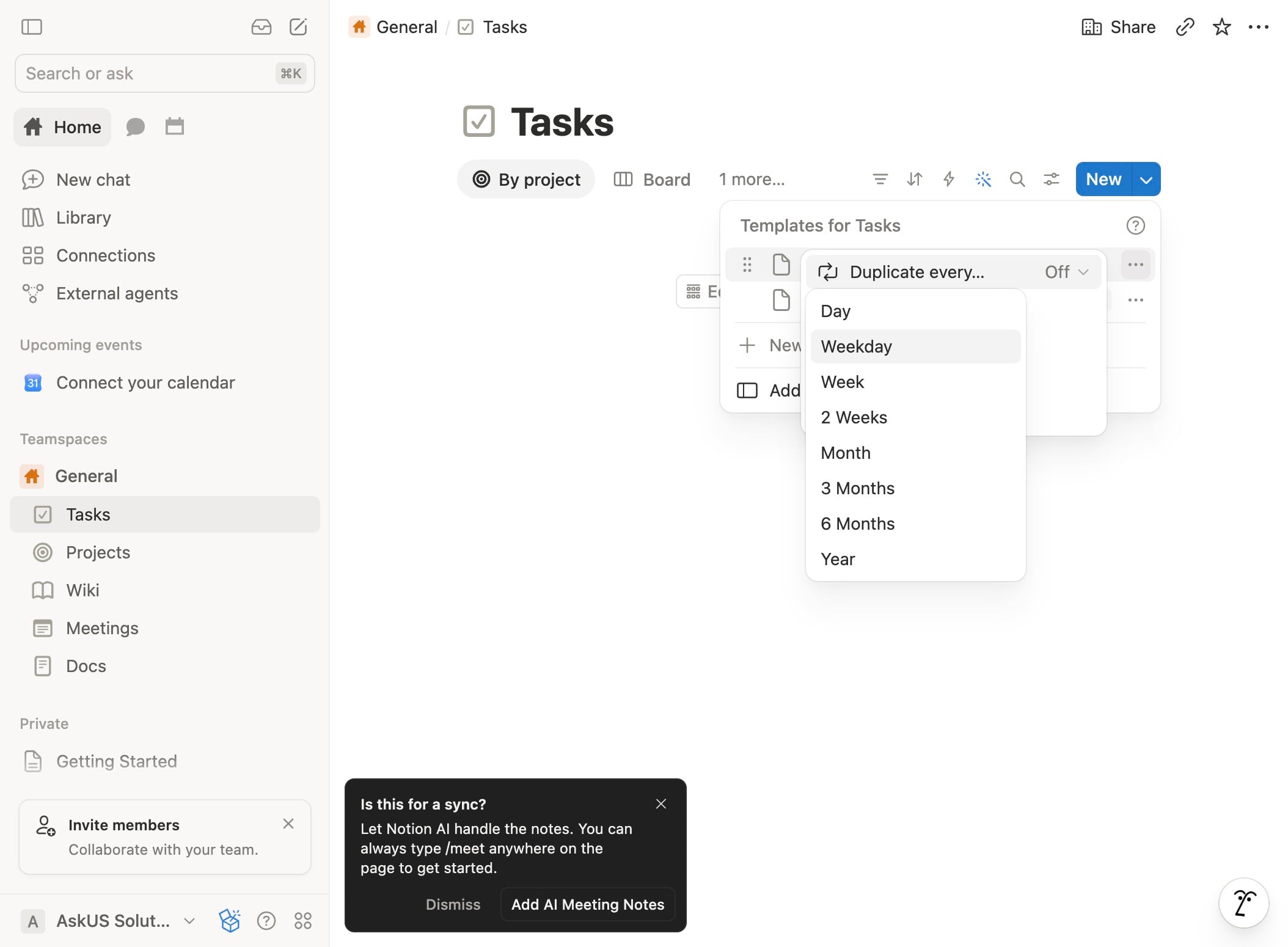
Step 7: Click "Duplicate every…" to set a repeat schedule.
Step 8: Select "Week" to repeat the template once a week.
Step 9: With "Monday" selected, click "Save" to create the task every Monday.